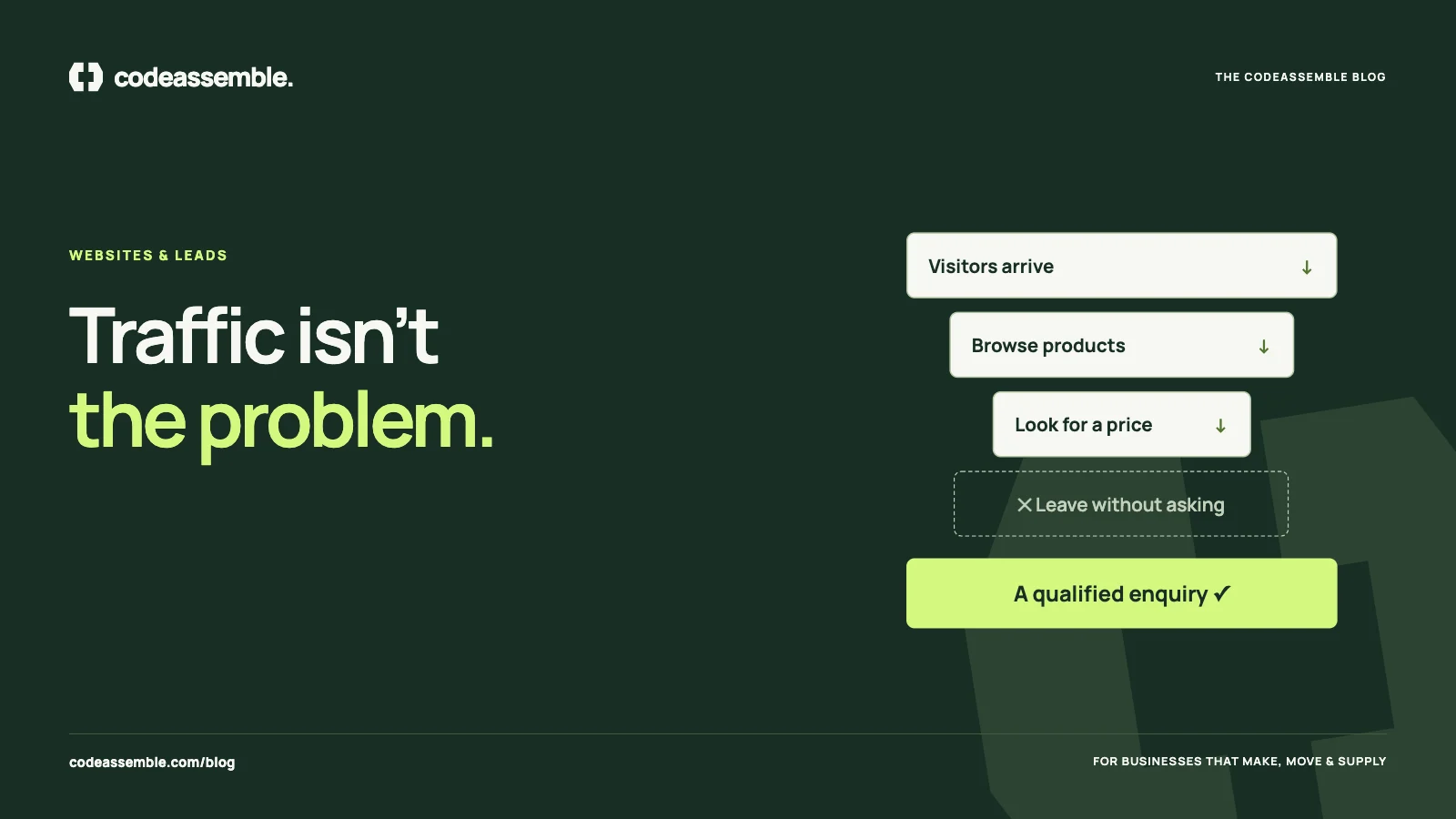
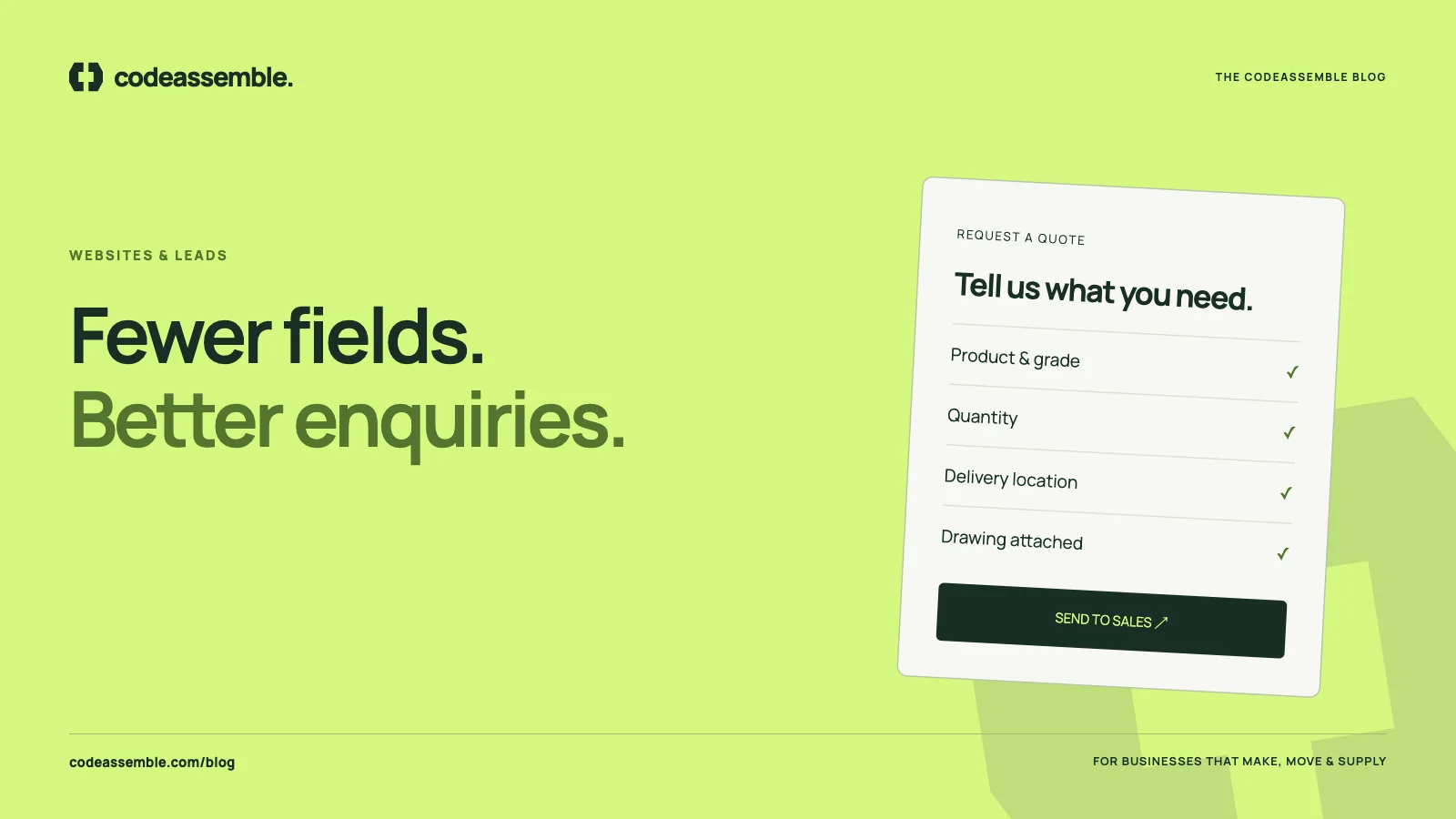
For most B2B businesses, the request for quote (RFQ) is the moment a website visitor becomes a sales opportunity. It’s the most valuable interaction on the entire site. Yet it’s often handled by a generic contact form with four fields and a “Submit” button.
The result is predictable: spam, vague one-line messages (“pls send price”) and genuine buyers who abandon the form because it didn’t feel worth the effort. Here’s how to design a quote journey that works better for buyers and your sales team.
Start with what sales needs to respond well
Before designing the form, ask your sales team one question: “What do you need to know to give a useful first reply?”
For most manufacturers and suppliers, the answer includes:
- What product or service they’re interested in
- Approximate quantity or volume
- Where it needs to be delivered
- When they need it
- Any drawings, specifications or standards
- Who they are and how to reach them
Everything else — annual spend, company size, how they heard about you — is nice to know. It shouldn’t stand between a buyer and a quote request.
The field-by-field approach
Product or service
Use a dropdown or checkboxes for your main categories, plus a free-text field for details. If the buyer comes from a product page, pre-fill it. Nothing feels more effortless than a form that already knows what you were looking at.
Quantity
Offer a simple field or ranges such as “under 100”, “100–1,000”, “over 1,000”. Ranges are easier for buyers who don’t have exact numbers yet and still help your team prioritise.
Delivery location
Country and city are usually enough for an initial estimate of logistics, duties and lead time. For export businesses, this one field changes the whole conversation.
Timeline
“When do you need it?” with options like “urgent”, “within a month”, “within three months” or “planning ahead” helps sales prioritise and sets realistic expectations.
Attachments
Allow drawings, specifications or photos to be uploaded. For made-to-order products, an attached drawing can be the difference between a quote in a day and a week of back-and-forth emails.
Contact details
Name, company, business email and phone. Make phone optional unless you genuinely call every lead — many international buyers prefer email first.
Message
A free-text field for anything else, with a helpful prompt: “Anything we should know — application, standards, current supplier issues?”
Reduce friction without losing quality
A longer form isn’t automatically worse. Buyers will happily complete relevant fields when they can see the purpose. What drives abandonment is irrelevance, confusion and effort.
- Group fields into short sections: Your requirement, Delivery, Your details
- Explain why you ask for sensitive information
- Mark optional fields clearly instead of marking required ones
- Make it work on mobile, with large tap targets and the right keyboard for each field
- Show what happens next beside the form
Set expectations after submission
The confirmation message matters. Instead of a bare “Thank you”, tell the buyer:
- That the request was received
- Who will reply and roughly when
- What happens next — a clarifying call, a written quote, a sample
- How to reach you if it’s urgent
Send the same information by email so the buyer has a record. This simple step reassures buyers and reduces duplicate enquiries sent to competitors “just in case”.
Stop spam without punishing buyers
Spam is the usual reason businesses make forms harder to use. Better options include hidden honeypot fields, server-side validation and rate limiting — methods that catch bots without making real buyers solve puzzles. A visible challenge should be a last resort.
Route the enquiry to a person, immediately
The best form in the world is wasted if the enquiry sits in an unwatched inbox. At minimum:
- Send each enquiry to a named owner, not just a shared address
- Include all the form data in a clear, readable email
- Record the enquiry somewhere you can see its status — a CRM, a shared sheet or a simple internal tool
We go deeper in leads lost in inboxes and WhatsApp.
Offer more than one way to ask
Not every buyer wants to fill in a form. Next to your RFQ, offer:
- A direct email address for the sales team
- A phone number with office hours and timezone
- WhatsApp, where it’s normal in your markets
- A “book a call” option for complex requirements
Measure it
Track how many people start the form, how many complete it and which pages they came from. This shows which products generate interest and where buyers drop off. See how to tell whether your website is working.
The quote form is where your website meets your sales process. Design it with both sides in mind.
Need a better quote journey?
We design and build enquiry journeys as part of our bespoke websites, and can connect them to CRMs and internal tools through business automation. If your current form brings more spam than sales, tell us how enquiries reach you today.