In many established businesses, a surprising amount of skilled people’s time goes into moving information from one place to another. An enquiry arrives by email and is typed into a spreadsheet. The spreadsheet row becomes a quote in a word processor. The quote becomes an order in the accounting system. The order becomes a job sheet for production. At every step, someone re-keys the same details.
It doesn’t feel like a big problem, because each step only takes a few minutes. But those minutes add up — and the hidden costs are larger than the visible ones.
Where manual work hides
Look for these patterns in your business:
- Re-keying: the same customer, product or order details typed into more than one system
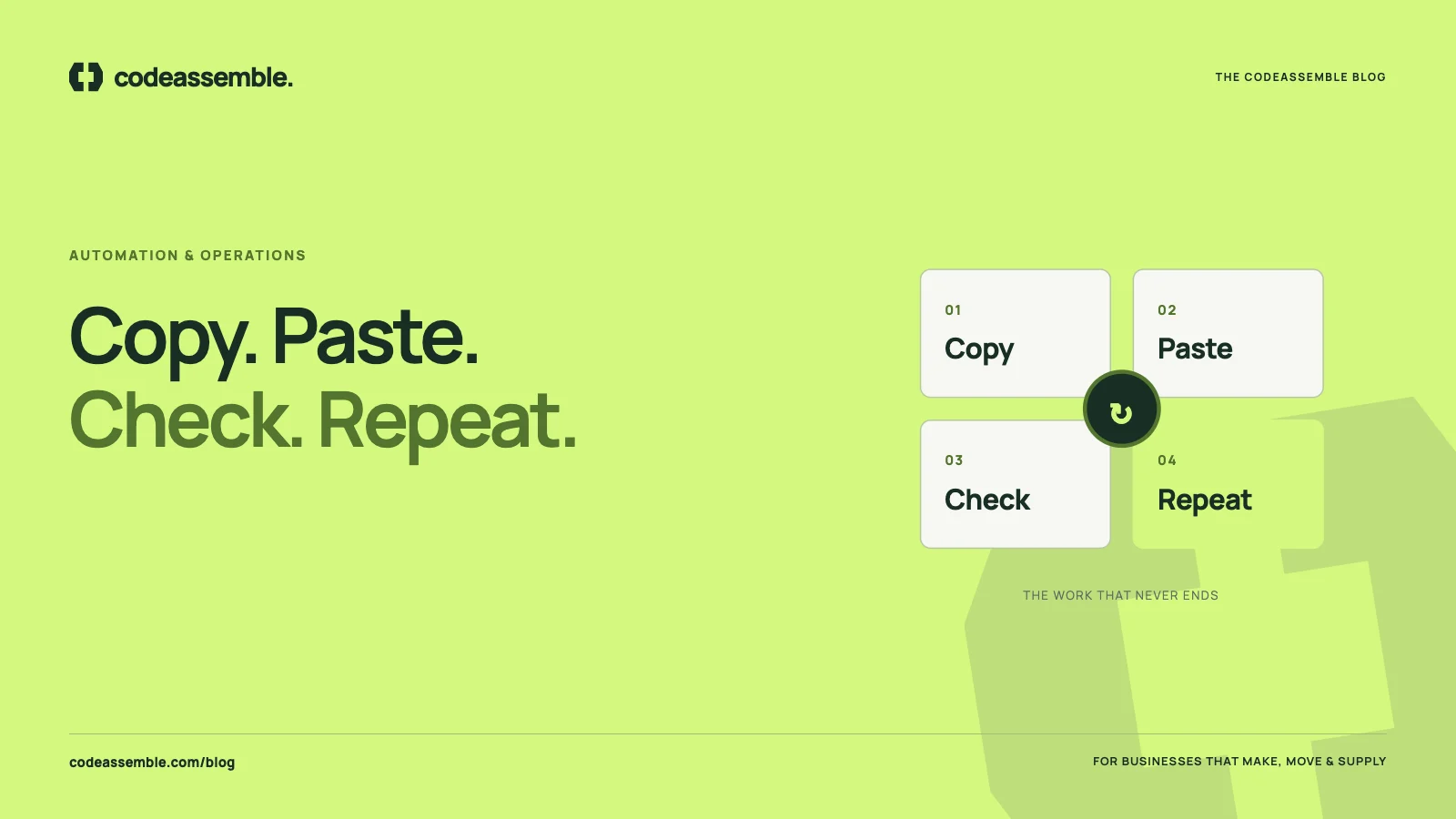
- Copy and paste between tools: email to spreadsheet, spreadsheet to invoice, invoice to accounting
- Manual reconciliation: comparing two lists to find what’s missing or different
- Status chasing: phone calls and messages asking “has this been done yet?”
- Report building: someone spending hours each week collecting numbers into a summary
- Document assembly: creating quotes, delivery notes or certificates from templates by hand
Each one is a candidate for automation.
Calculating the real cost
A simple exercise gives you a baseline. For each repetitive task, estimate:
- How long it takes each time
- How often it happens per week
- Who does it, and roughly what their time costs
- How often it goes wrong, and what a mistake costs to fix
Multiply time by frequency and cost for a weekly figure, then annualise it. Most owners are surprised by the result. But time is only the first layer.
The costs that don’t show up on a timesheet
Errors
Every re-keyed field is a chance for a typo. A wrong quantity, price or address can mean a reshipped order, a credit note, a frustrated customer or a margin lost without anyone noticing.
Delay
When work waits for someone to copy it to the next system, everything slows down. Quotes go out later. Orders start later. Invoices are sent later, which delays payment.
Dependence on individuals
Manual processes often live in one person’s routine. When they’re away, the work piles up or stops.
Lost visibility
If information is scattered across inboxes, spreadsheets and paper, nobody has a clear picture of what’s happening. Managers spend time asking rather than deciding.
Wasted talent
Your experienced people — the ones who understand customers and products — spend their days on data entry rather than selling, solving problems or improving the business.
Where to automate first
You don’t need to automate everything. Start where these three factors overlap:
- High frequency: the task happens many times a week
- Clear rules: the steps are predictable and don’t require judgement
- Real consequences: mistakes or delays cost money or customers
Common first projects for B2B businesses:
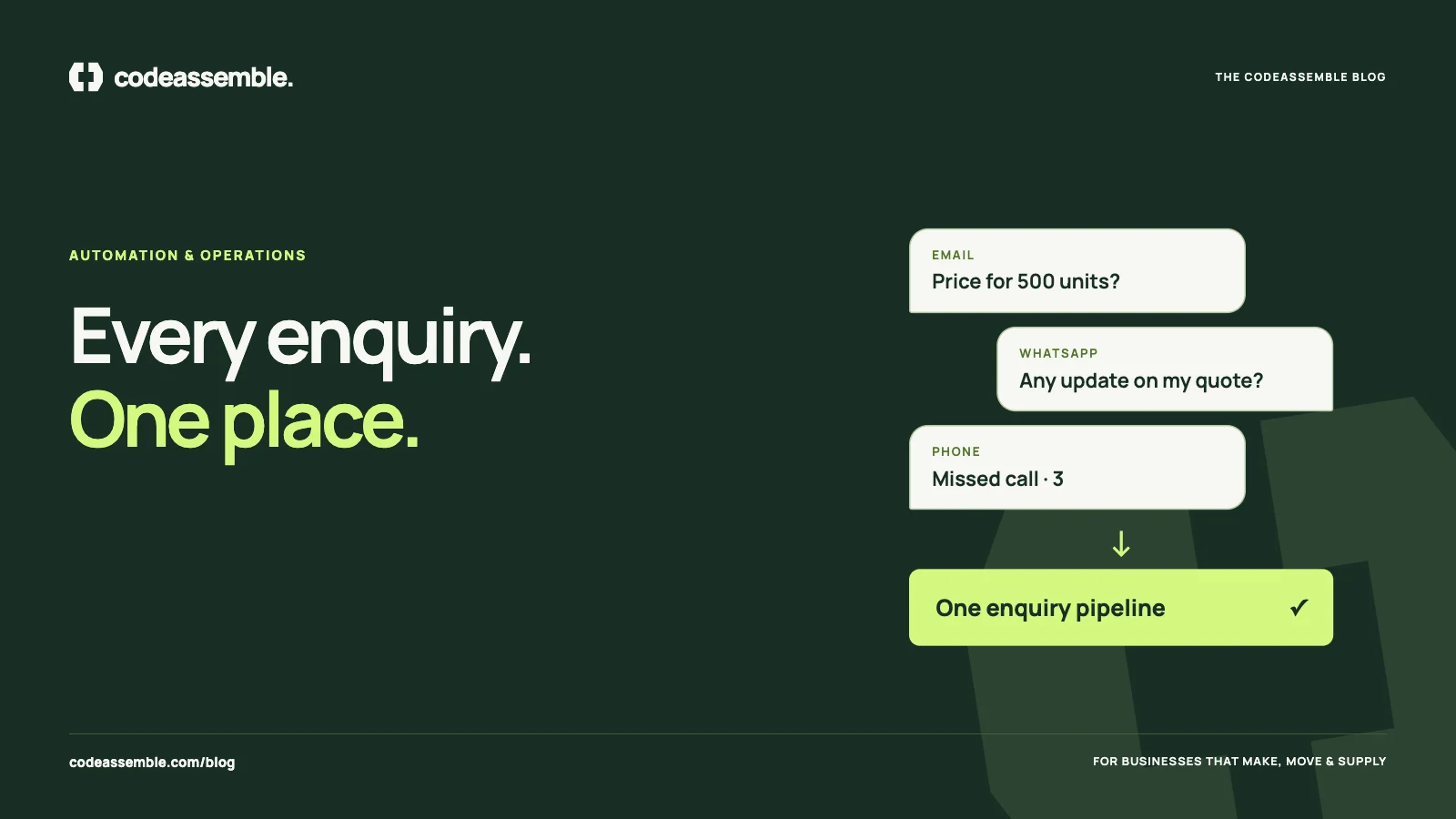
- Website enquiries automatically recorded in a CRM and routed to the right person — see leads lost in inboxes and WhatsApp
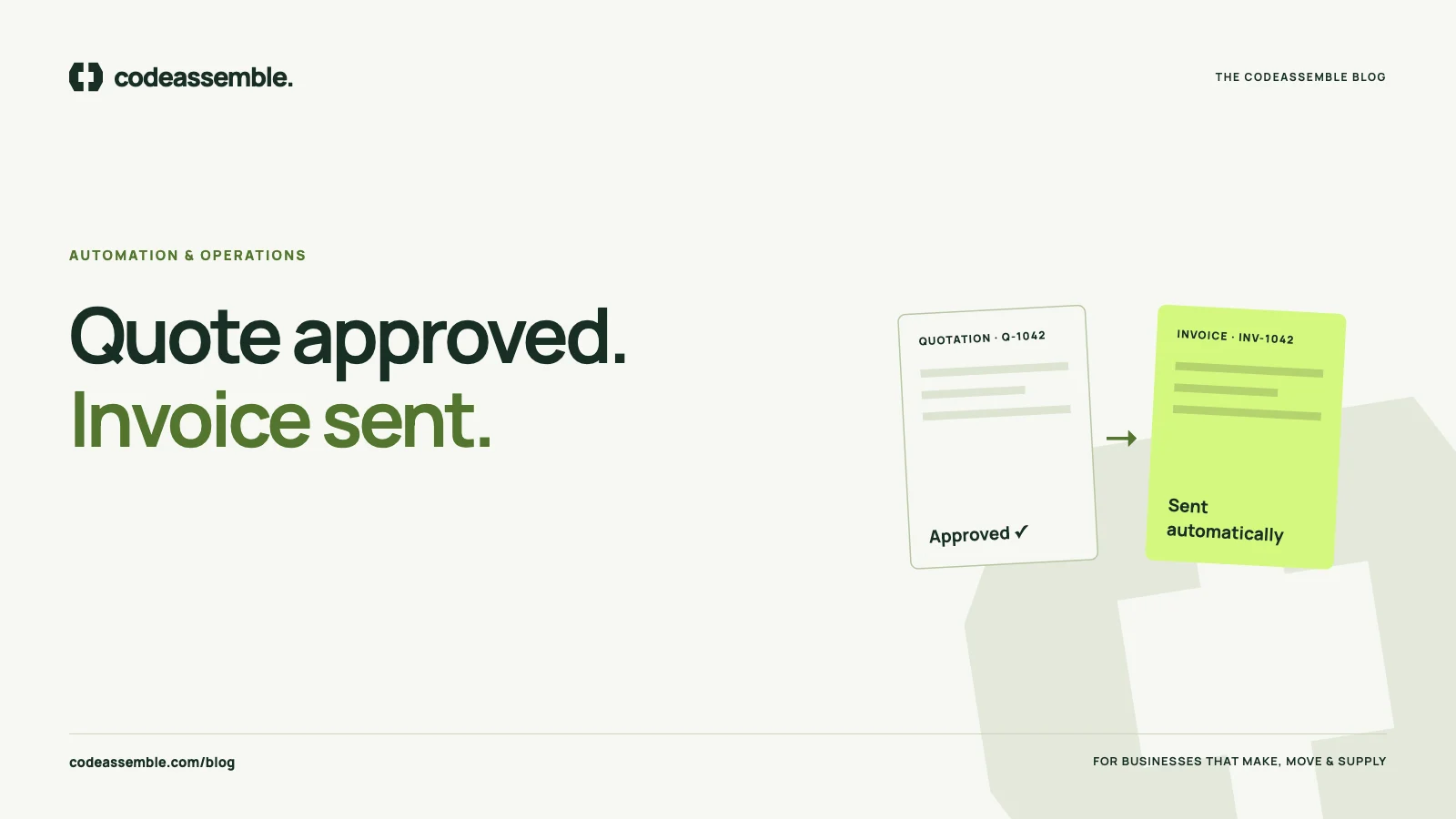
- Approved quotes turned into orders and invoices without re-typing — see from enquiry to invoice
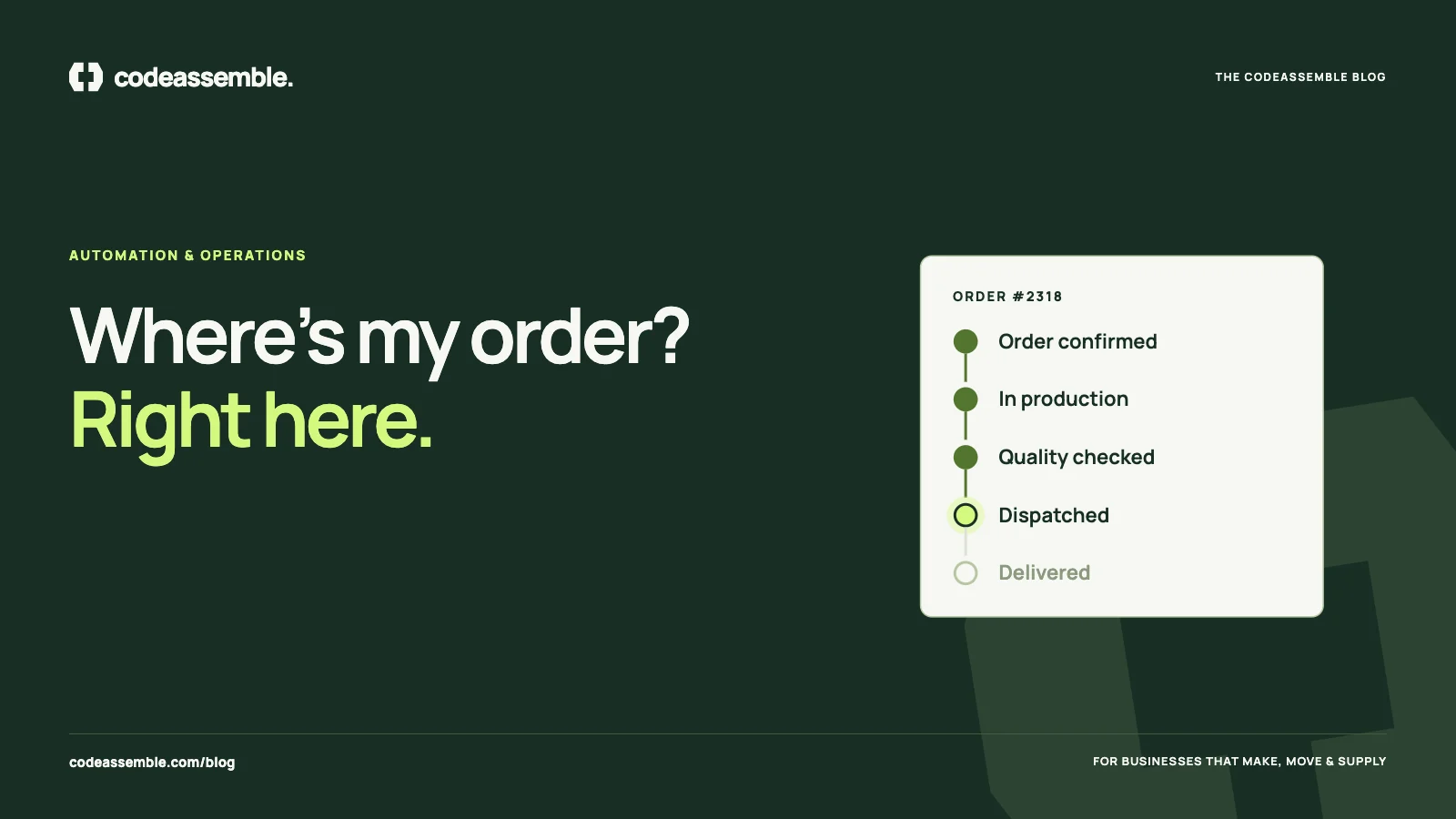
- Order status changes triggering automatic customer updates — see stop answering “where’s my order?” calls
- Weekly reports compiled automatically from existing systems
Automation with people in the loop
Good automation doesn’t remove human judgement. It removes the copying. A well-designed workflow handles the predictable steps and asks a person to review the decisions that matter — approving a discount, checking an unusual order, responding to a complaint.
It also plans for failure. Systems go offline, data arrives incomplete, integrations change. A robust workflow validates information, retries failed steps and flags exceptions so nothing disappears silently.
Use the tools you already have
Many businesses assume automation means replacing their software. Often it doesn’t. If your accounting system, CRM, email and forms have APIs, they can usually be connected. Where an existing tool can’t be connected, a small custom web application can bridge the gap or replace a fragile spreadsheet — see when it’s time for custom software.
Every time your team types the same information twice, the business pays twice.
Start with one workflow
Our business automation projects start with one clearly defined workflow connecting up to two API-ready tools. That keeps the scope manageable, delivers a visible improvement and shows what else is possible. Tell us which task your team repeats most and we’ll help you map it.