In many B2B businesses, the journey from enquiry to payment looks something like this: an enquiry arrives by email; someone checks prices in a spreadsheet; a quote is typed into a document template and emailed as a PDF; the customer replies with a purchase order; someone types the order into the accounting system; production receives a job sheet; dispatch writes a delivery note; accounts raise the invoice; and someone chases payment.
Each step works. But each handoff adds delay, effort and a chance of error. Automating the quote-to-cash workflow is one of the most practical ways to speed up sales and free up your team.
Why quotes are slow
Speed matters in B2B sales. A buyer comparing suppliers often moves forward with the first credible, complete quote. Yet quotes are commonly delayed because:
- Prices and discounts live in different spreadsheets
- Only one or two people know how to calculate certain prices
- Document templates must be filled in by hand
- Approvals happen by email and wait for someone to reply
- Nobody can see which quotes are outstanding
What an automated quote workflow looks like
A well-designed workflow doesn’t remove people. It removes the copying, searching and waiting.
1. Enquiry captured
The enquiry arrives from the website, email or a salesperson and is recorded with customer details and requirements. See leads lost in inboxes and WhatsApp.
2. Quote prepared from approved data
Products, price lists and customer-specific terms come from one source. The salesperson selects items and quantities; the system applies the right prices, discounts and taxes.
3. Approval where needed
Quotes above a set value, or with discounts beyond a threshold, are routed to a manager for approval. Everything else goes straight out.
4. Quote sent and tracked
The quote is generated as a professional, consistent document and sent to the customer. Its status — sent, viewed, accepted, expired — is recorded. Reminders prompt follow-up.
5. Accepted quote becomes an order
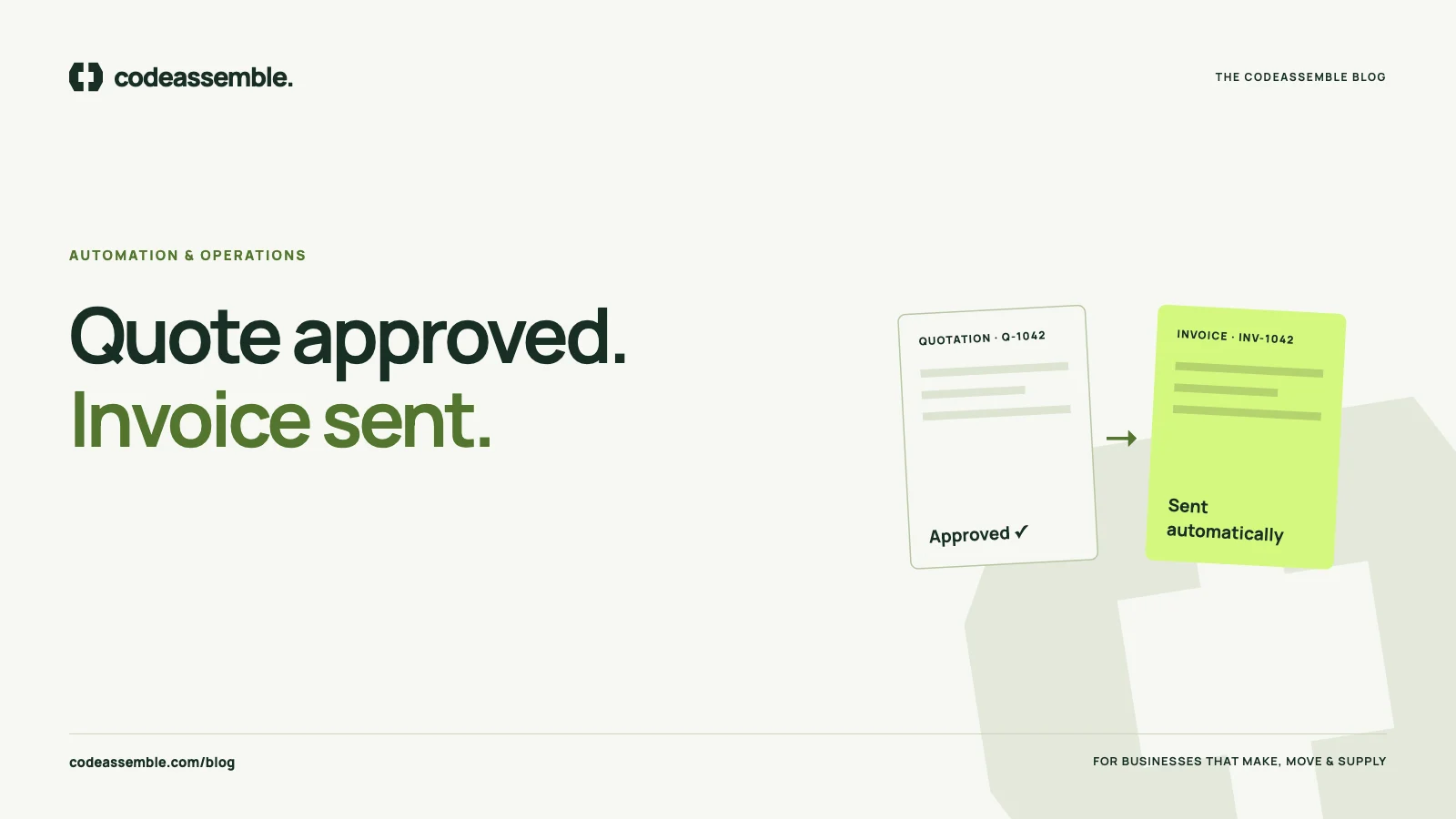
When the customer accepts, the quote converts into an order without re-typing. Production, purchasing or dispatch are notified with the details they need.
6. Delivery and invoicing
When the order is dispatched, the delivery note and invoice can be generated from the same data, and the invoice recorded in your accounting system.
7. Payment and follow-up
Payment reminders follow your agreed terms. Overdue accounts are flagged for a person to handle.
The benefits
- Faster quotes, often the same day instead of several days later
- Consistent pricing, with fewer mistakes and missed discounts
- Less re-keying between sales, production and accounts — see the true cost of manual work
- Clear visibility of open quotes, orders and outstanding invoices
- Faster invoicing, which improves cash flow
- Less dependence on individuals who “know how it works”
Keep humans in control
Automation should handle the predictable parts. People should handle judgement:
- Unusual specifications or custom pricing
- Discounts and commercial negotiations
- Exceptions, complaints and disputes
- Relationships with key accounts
Good workflows also plan for failure. If an integration is unavailable or data is incomplete, the item should be flagged for review rather than lost.
Connect what you already use — or build what’s missing
If your CRM, accounting system and email tools have APIs, much of this workflow can be achieved by connecting them. If the process currently lives in spreadsheets and document templates, a focused internal web application can become the single place where quotes, orders and invoices are created. That’s what we delivered for InjectionGroutResin: a complete internal billing system and CRM built alongside their website.
Where to start
Don’t try to automate the entire chain at once. Choose the step that causes the most delay or the most errors:
- If quotes are slow, start with quote preparation and approval
- If orders are re-typed, start with quote-to-order conversion
- If invoicing lags, start with dispatch-to-invoice
Prove the value with one step, then extend.
Every handoff your team doesn’t have to make is time given back to customers.
Let’s map your workflow
Our business automation projects start with one clearly defined workflow, mapped with your team before anything is built. Describe how a quote becomes an invoice in your business today, and we’ll help you find the best place to start.