Almost every long-running business has one: the spreadsheet. It might track orders, stock, production schedules, customer pricing or commissions. It was created by someone sensible, years ago, to solve a real problem. It has grown tabs, colour codes, hidden columns and formulas only two people understand.
Spreadsheets are brilliant tools. Many successful businesses were built on them. But there’s a point where the spreadsheet stops supporting the business and starts limiting it. Here’s how to recognise that point and what to do about it.
Signs your spreadsheet has become a system
A spreadsheet becomes a liability when it’s quietly doing the job of business software without the safeguards. Watch for these signs:
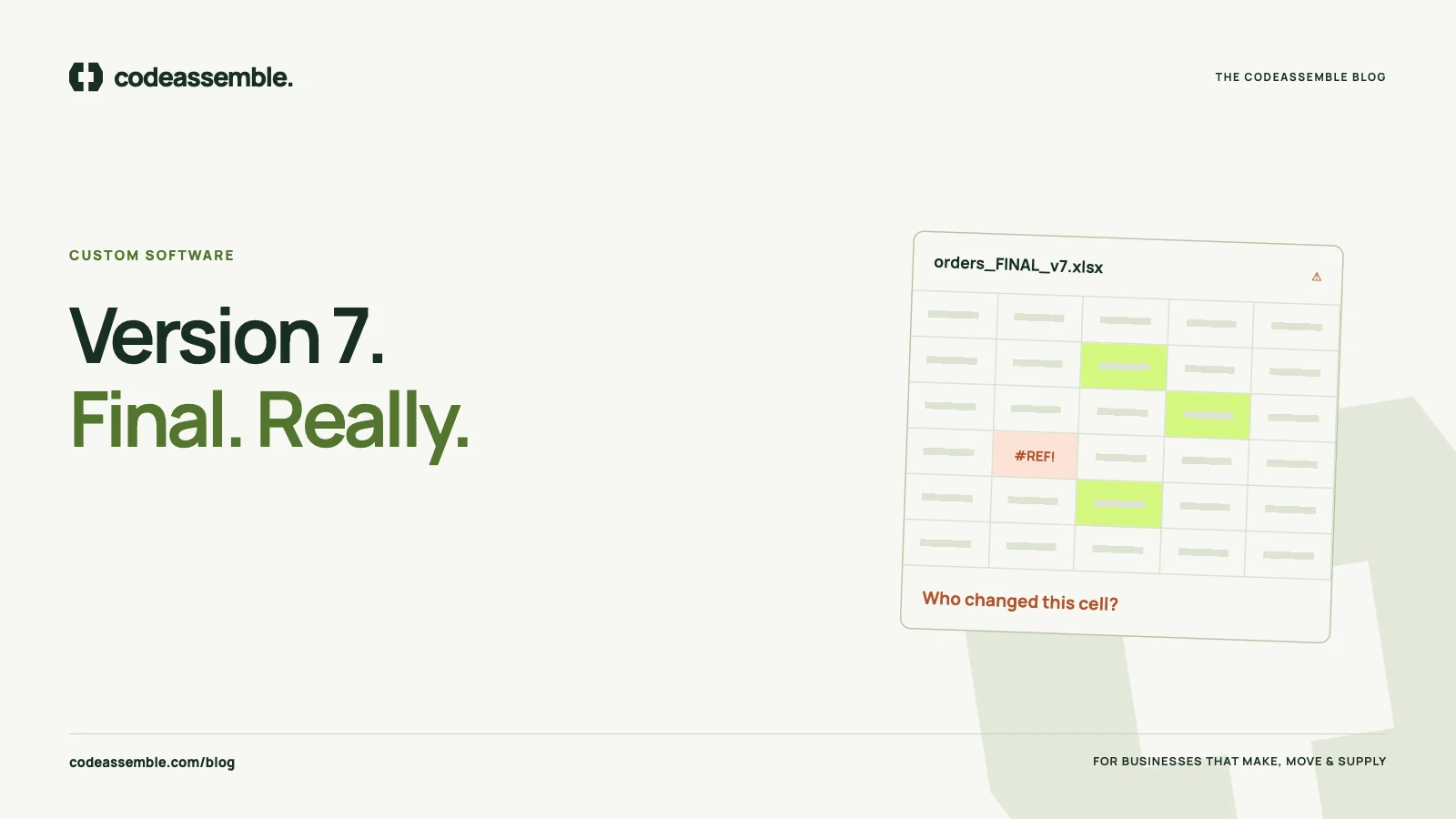
- Several people edit it, and you’ve had “who overwrote this?” conversations
- Files are emailed around, with names like
orders_FINAL_v7_updated.xlsx - One person is the gatekeeper, and things stall when they’re on leave
- Data is typed in twice — once in the spreadsheet, again in the accounting system or an email
- Mistakes are found late, after a wrong price was quoted or an order shipped short
- Customers ask questions that take someone ten minutes of filtering to answer
- You can’t see the big picture without someone building a report by hand
If several of these sound familiar, the spreadsheet has become a system — just not a very reliable one.
What custom software does differently
Custom business software — an internal web application built around your process — replaces the spreadsheet with something designed for how your team actually works.
One source of truth. Everyone sees the same, current data. No versions, no attachments.
The right access for each person. Sales can create quotes, production can update status, accounts can see invoices, and managers can see everything. Nobody can accidentally delete the pricing tab.
Rules built in. A quote can’t go out without a margin check. An order can’t be marked dispatched without a delivery note. The system enforces the process instead of relying on memory.
History. You can see who changed what and when.
Connections. The application can send data to your accounting software, notify customers by email, or receive enquiries from your website — reducing the double entry we describe in the true cost of manual work.
Why not just buy off-the-shelf software?
Sometimes you should. If a well-established product fits your process with minimal compromise, it’s usually the quickest and cheapest route.
Custom software makes sense when:
- Your process is genuinely specific — custom pricing rules, made-to-order production, unusual approval steps
- Off-the-shelf tools would force your team to work around them, recreating the spreadsheet on the side
- You’re paying for a large platform but use a small fraction of it
- You need several tools to talk to each other and none of them do it well
We compare the options in more detail in do traditional B2B businesses need a CRM?
What replacing a spreadsheet actually involves
The fear is usually that it will be a huge, expensive, disruptive project. It doesn’t have to be. A sensible approach looks like this:
1. Map what the spreadsheet really does
We sit with the people who use it and document every tab, column and unofficial rule. Often half of it is no longer needed, and some crucial logic lives only in someone’s head.
2. Define a focused first release
Pick the one workflow that causes the most pain — say, order tracking from confirmation to dispatch — and build that first. Keep the spreadsheet for everything else until later.
3. Migrate the data carefully
Clean up existing records, agree what to import and test the migration before go-live. Historic data can stay in an archive if it doesn’t need to be in the new system.
4. Run in parallel briefly, then switch
For a short period, the team can check the new system against the old one. Once everyone trusts it, the spreadsheet is retired for that workflow.
5. Extend from there
With the foundation in place, adding quotes, invoicing, reporting or a customer portal becomes much simpler.
A real example
For InjectionGroutResin, a specialist construction materials business, we delivered both the public website and a complete internal billing system and CRM. The customer-facing presence and the software used inside the business were planned together, so information didn’t have to be managed in disconnected places.
Is it worth it?
The honest answer depends on how much time the spreadsheet costs, how many errors it causes and how much it limits growth. A useful exercise: count the hours each week your team spends updating, checking and searching the spreadsheet, and the cost of the last few mistakes it allowed. That figure, over a year, is your benchmark.
The goal isn’t to remove spreadsheets from your business. It’s to stop running critical processes on them.
Where to start
Our custom portals and web applications begin with a focused first release covering agreed user roles and one core workflow. If you have a spreadsheet that’s become the heart of your operation, tell us what it does — you don’t need a specification, just a description of the problem.