In many long-established B2B businesses, the customer database is a collection of things: a salesperson’s phone contacts, an email inbox, an accounting system, a spreadsheet of price agreements and a lot of memory. It works because the people have been there for years and know the customers personally.
Until someone retires, a key customer calls when their usual contact is away, or the business tries to grow faster than relationships can be managed by memory alone. That’s usually when someone suggests a CRM.
What a CRM actually does
Customer relationship management software keeps one shared record of every customer and prospect: who they are, what they’ve bought, what they’ve asked for, every quote and conversation, and what should happen next.
For a B2B business, that typically means:
- Contacts and companies — including several contacts at each customer
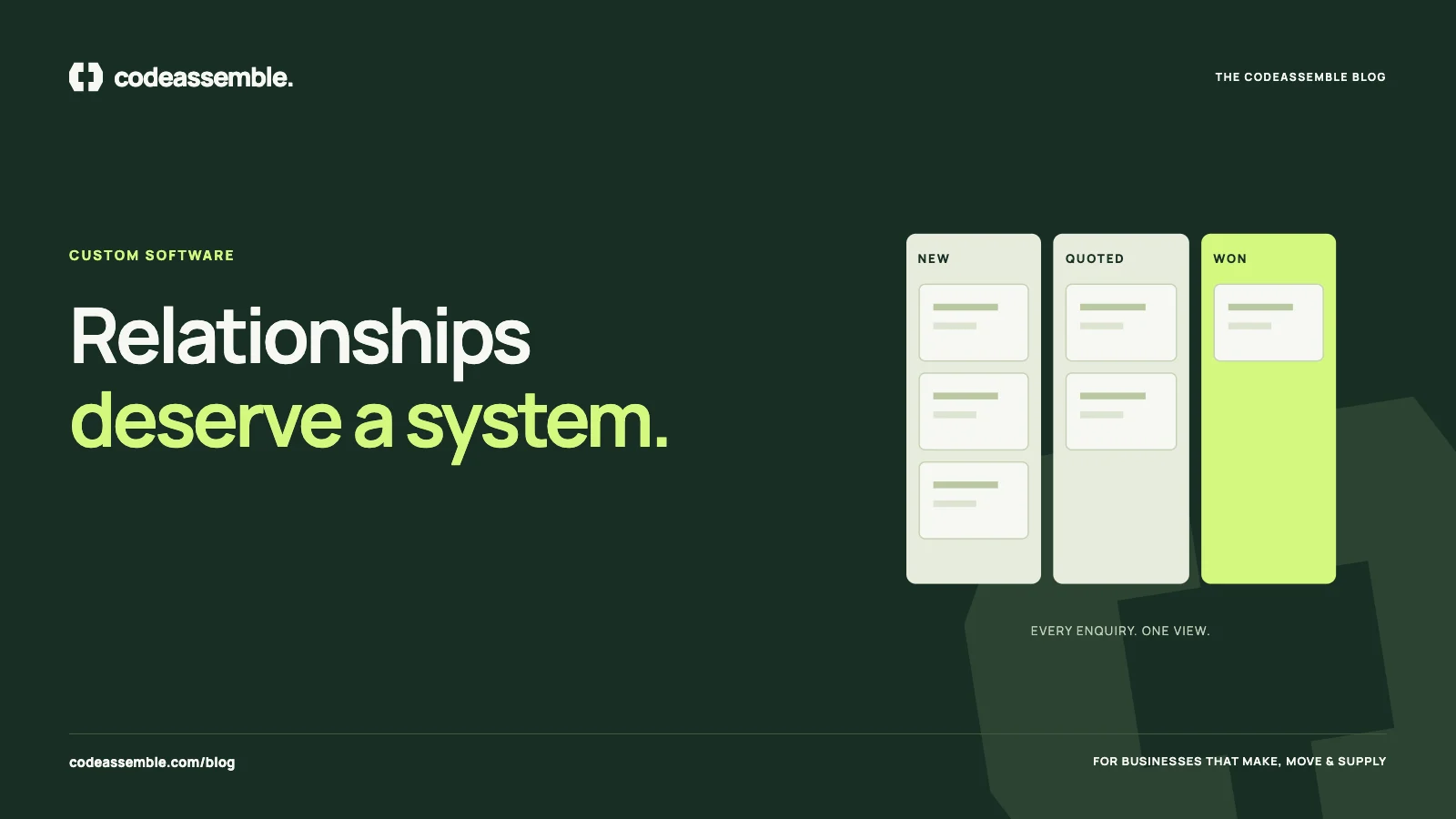
- Enquiries and opportunities — tracked from first contact to won or lost
- Quotes and orders — linked to the customer record
- Activity history — calls, emails, meetings and notes
- Tasks and reminders — so follow-ups don’t depend on memory
- Reporting — pipeline value, conversion rates, customer activity
Signs you need one
- Enquiries get lost or answered late — see leads lost in inboxes and WhatsApp
- Nobody can answer “what’s in the sales pipeline?” without asking around
- Customer knowledge leaves when an employee leaves
- Follow-ups depend on someone remembering
- You can’t easily see which customers have gone quiet
- Pricing agreements and history are scattered across documents
Why CRM projects often fail in traditional businesses
The software is rarely the problem. CRM projects usually struggle for human reasons:
It adds work without removing any. If salespeople must type everything into the CRM as well as their existing spreadsheets and emails, they won’t.
It doesn’t fit how the business sells. Generic CRMs often assume a fast, high-volume sales process. Many B2B businesses sell through long relationships, technical discussions, samples, repeat orders and negotiated pricing.
It’s too complicated. Large platforms with hundreds of features overwhelm a small team that needs only a handful.
Nobody owns it. Without someone responsible for keeping it useful, data goes stale and trust disappears.
Off-the-shelf CRM: when it’s the right choice
A ready-made CRM is often the best starting point when:
- Your sales process is fairly standard
- Your team is willing to adapt to the tool
- You need it running quickly
- Built-in integrations cover your email, calendar and accounting tools
Choose one your team finds easy, keep the setup simple, and connect it to your website so enquiries arrive automatically.
Custom CRM: when it makes more sense
A custom CRM — software built around your specific process — becomes worth considering when:
- Your process is distinctive: made-to-order products, technical approvals, sample stages, distributor relationships or complex pricing
- You need it tightly connected to billing, production or a customer portal
- Licence costs grow with every user, and you use a small fraction of the features
- Workarounds pile up, with spreadsheets reappearing alongside the CRM
- You want to own the system and its data, and evolve it as the business changes
A custom CRM doesn’t have to be large. A focused first release can cover customers, enquiries, quotes and follow-ups — the core your team will actually use — and grow from there.
A real example
For InjectionGroutResin, a specialist construction materials business, we delivered a complete internal CRM and billing system alongside the public website. Because the website, the CRM and billing were planned together, the business didn’t have to stitch separate products together after the fact.
Making adoption work, whichever route you choose
- Start with the problem, not the software. What must the CRM do on day one?
- Remove a task for every task you add. If the CRM sends quotes or reminders, people will use it.
- Automate data entry from the website, email and other systems wherever possible.
- Keep it simple at launch. Add features once the basics are trusted.
- Involve the people who will use it in the design and testing.
- Assign an owner responsible for keeping it useful.
A CRM is only as good as the information in it — and people only keep it up to date when it makes their job easier.
Where to begin
If you’re weighing up a CRM, we’re happy to give you a straight answer — including when an off-the-shelf product is the better fit. When custom makes sense, our portals and web applications start with a focused first release built around your workflow. Tell us how you manage customers today.